

Quick answer
Choose “Countdown”, set hours, minutes and seconds (or tap 1, 5, 10 or 25 minutes) and press “Start”: when time is up the page rings and the tab title says “Time's up”. Use “Stopwatch” to time something with laps, or “Count to a date” to see how long until a holiday or deadline.
What is an online countdown timer?
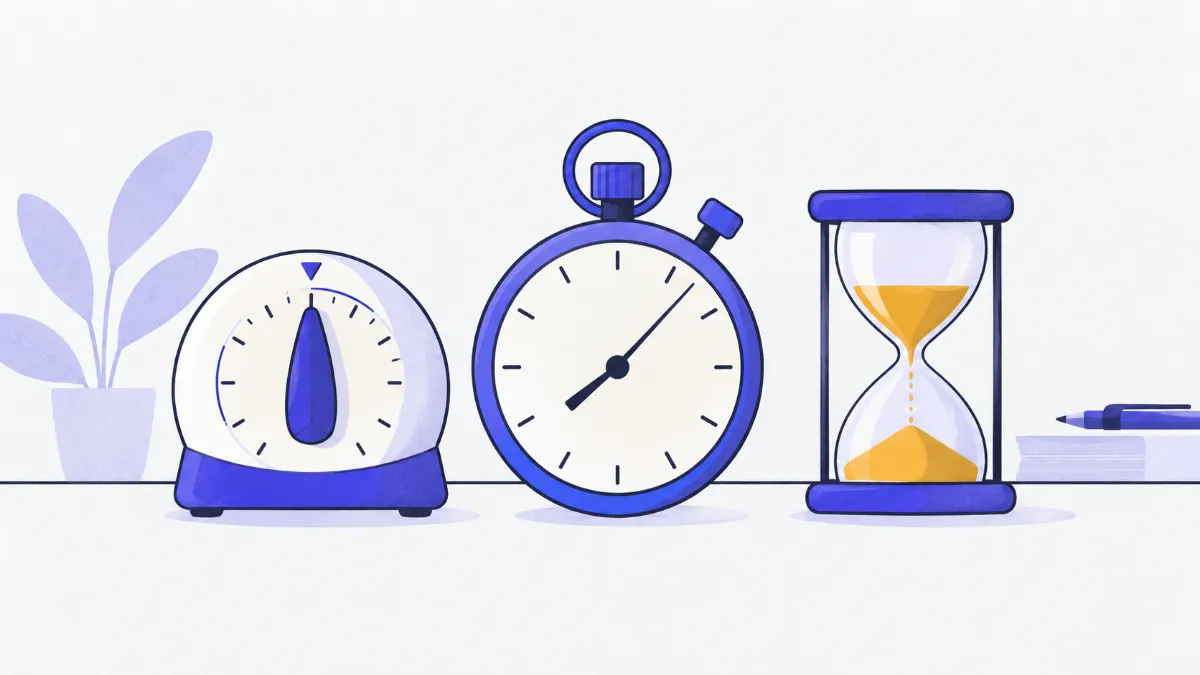
Three clocks on one page: a countdown timer with an alarm for cooking, Pomodoro study sessions or talks; a stopwatch accurate to a hundredth of a second with laps for running and games; and a live countdown to any date. Time is measured against your system clock, so it stays accurate when you switch tabs, and the tab title shows the time left at a glance.
How to use the countdown timer
- 1
Choose “Countdown” and enter hours, minutes and seconds, or tap a quick pick (1, 5, 10, 25 minutes).
- 2
Press “Start”. The time left is shown in large digits, a progress bar fills up and the tab title reads “⏳ 04:59”.
- 3
Use “Pause” / “Resume” as needed and “Reset” to go back to the time you set.
- 4
When time is up the page plays three beeps (untick “Ring when time is up” for silence), the panel turns red and the tab title says “⏰ Time's up!”.
- 5
For “Stopwatch”, press “Start” and “Lap” at each checkpoint; download the laps as a CSV file for a spreadsheet when you're done.
Handy durations
| Task | Suggested time | Notes |
|---|---|---|
| Pomodoro study or work | 25 minutes on, 5 minutes off | Take a 15–30 minute break after four rounds |
| Soft-boiled egg | 6–7 minutes | From when the water boils |
| Instant noodles | 3 minutes | Follow the packet |
| Talks and speeches | 3–5 minutes each | Keep the alarm on so speakers know when to stop |
| Eye break at the computer | Every 20 minutes | Look about 6 m away for 20 seconds |
Which mode do I need?
| You want to | Mode | You get |
|---|---|---|
| Be told when a period of time ends | Countdown | Alarm and tab title |
| Measure how long something takes | Stopwatch | Time to 0.01 s and a lap list |
| Know how long until a date | Count to a date | Days, hours, minutes and seconds left or since |
Real-world examples
Pomodoro session
Tap “25 min”, press “Start” and switch to your work. The tab title shows the minutes left, and the alarm tells you to take a five-minute break.
Timing four laps of a track
In “Stopwatch”, press “Lap” after each lap. The table marks the fastest and slowest; download the CSV to keep your times.
Counting down to the New Year
In “Count to a date”, pick midnight on 1 January and name it: the page shows days, hours, minutes and seconds left, updating every second.
Keeping speeches short
Set 3 minutes per speaker and project the screen: the big digits are visible across the room and the panel turns red at zero.
Common problems
- Time ran out but there was no sound.
- Check the volume and your phone's silent mode, and keep this tab open (another tab in the same window is fine). Browsers only allow sound after you have clicked on the page.
- The phone locked and the timer seemed to stop.
- The timer keeps counting (it follows the system clock), but phones may block web audio while locked. For anything important, keep the screen on or also set your phone's alarm.
- Entering 90 minutes looks wrong.
- It is handled correctly as 1 hour 30 minutes. The tool only complains when the total is zero or over 99:59:59.
- The date countdown is off by a few hours.
- Dates use your device's time zone. Check your operating system's time zone if you are travelling.
Why the timer stays accurate in background tabs
When you press Start, the tool records the end time from the system clock and simply subtracts the current time on every redraw, instead of counting ticks. Browsers slow down timers in hidden tabs, but that cannot make this clock fall behind.
The alarm is scheduled separately for the end time and played with the browser's Web Audio, with no sound file to download. The stopwatch works the same way: elapsed time = now − start, plus whatever ran before you paused.
Glossary
- Pomodoro
- A time-management method: 25 minutes of focused work, a 5-minute break, and a longer break every four rounds.
- Lap
- One segment of a timed run, such as one lap of a track; lap time = current total − total at the previous lap.
- Split
- The time of a single lap, as opposed to the total since the start.
Frequently asked questions
What is the longest countdown?
99 hours 59 minutes 59 seconds. For anything further away, use “Count to a date”.
Does it keep running if I close the tab?
No. The timer runs inside the page, so closing or reloading stops it. Switching to another tab is fine, and the alarm still rings.
How precise is the stopwatch?
It shows hundredths of a second (0.01 s). Precision depends on your device's clock: fine for sport, cooking and study, but not a replacement for official race timing.
Can I turn the alarm off?
Yes, untick “Ring when time is up”; the panel still changes colour and the tab title still announces the end.
Are my laps saved?
Not on any server. Click “Download laps (.csv)” to keep them before closing the page.
Does it work on a phone?
Yes, with large digits and buttons. Keep the screen on during a countdown because many phones mute web pages when locked.
Ratings and comments
Loading…