

Quick answer
A hash is a fixed-length fingerprint of data: the same input always gives the same hash, and changing a single character changes it completely. The MD5 of “abc” is 900150983cd24fb0d6963f7d28e17f72 and its SHA-256 starts with ba7816bf. Use SHA-256 to verify files; MD5 and SHA-1 are no longer safe for security purposes.
What is a hash?
This tool computes MD5, SHA-1, SHA-256, SHA-384 and SHA-512 at once for text (UTF-8) or any file up to 500 MB, supports HMAC with a secret key for webhook signatures, outputs lowercase hex, uppercase HEX or Base64, and lets you paste a published checksum to confirm a download is intact. SHA uses the browser's WebCrypto; MD5 is implemented separately and tested against the RFC 1321 test vectors. Files are hashed in a Web Worker and never uploaded.
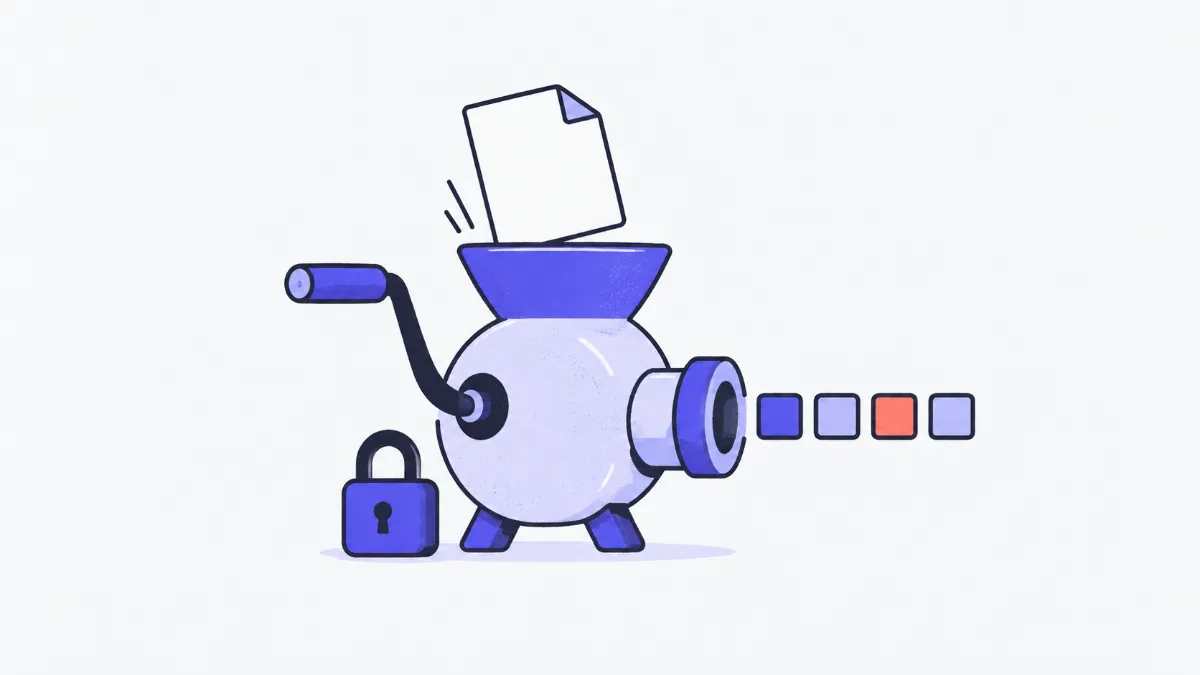
How to create and verify hashes
- 1
Open the Text tab and type or paste your content, or the File tab and choose or drop a file; all five hashes appear straight away.
- 2
Pick the output format: lowercase hex (most common), uppercase HEX, or Base64 (used in HTTP headers and Subresource Integrity).
- 3
Need an HMAC signature for a webhook or API? Turn on “Use HMAC” and enter the secret key; results switch to HMAC-MD5, HMAC-SHA-256 and so on.
- 4
To check a download, paste the published checksum into “Verify a checksum”: the matching row turns green and the algorithm is named.
Hash algorithms compared
| Algorithm | Length (hex) | Still secure? | Good for |
|---|---|---|---|
| MD5 | 32 characters (128 bits) | No: practical collisions since 2004 | Spotting corrupted downloads, cache keys |
| SHA-1 | 40 characters (160 bits) | No: a public collision was published in 2017 (SHAttered) | Legacy compatibility, early Git |
| SHA-256 | 64 characters (256 bits) | Yes | File checksums, digital signatures, blockchains, HMAC |
| SHA-384 | 96 characters (384 bits) | Yes | Subresource Integrity, TLS certificates |
| SHA-512 | 128 characters (512 bits) | Yes | Extra security margin; fast on 64-bit machines |
Swipe sideways to see the whole table →
“Not secure” means someone can deliberately craft two different inputs with the same hash. For catching accidental corruption, MD5 still works.
Hashes of “abc” to check against
These are the standard test vectors from RFC 1321 (MD5) and FIPS 180-4 (SHA). Type abc in the text box to compare.
| Algorithm | Hex hash |
|---|---|
| MD5 | 900150983cd24fb0d6963f7d28e17f72 |
| SHA-1 | a9993e364706816aba3e25717850c26c9cd0d89d |
| SHA-256 | ba7816bf8f01cfea414140de5dae2223b00361a396177a9cb410ff61f20015ad |
Real-world examples
Verifying a downloaded ISO
Linux distributions publish a SHA-256 for each ISO. Choose the file in the File tab and paste the published SHA-256 into the verify box: “Matches SHA-256” means the file wasn't corrupted or altered in transit.
Checking a webhook signature
Payment providers send an HMAC-SHA-256 signature of the request body in a header. Turn on HMAC, enter your signing secret and paste the exact JSON body you received: the HMAC-SHA-256 must equal the header value.
Building an integrity attribute
Subresource Integrity expects sha384-<Base64>. Paste the JavaScript file's contents, switch the format to Base64, take the SHA-384 row and prefix it with “sha384-”.
Finding duplicate files
Two images with different names but the same SHA-256 are byte-for-byte identical, so one can go. A single changed byte produces a completely different hash.
Common problems and fixes
- My text hash doesn't match the server's.
- Usually an invisible difference: a trailing newline (\n or \r\n), an extra space, or the same accented letter stored in a different Unicode form. The tool hashes exactly what is in the box, including line breaks.
- The checksum doesn't match even though it's the right file.
- Check which algorithm the checksum is for (32, 40, 64 or 128 hex characters) and that the download actually finished. If it still differs, download again from the official source.
- Storing passwords with MD5 or SHA-256.
- Don't use any fast hash for passwords. Use a purpose-built, deliberately slow, salted algorithm such as Argon2id, bcrypt or scrypt.
- Files over 500 MB won't hash.
- The limit keeps the browser from running out of memory. For bigger files use sha256sum (Linux), shasum -a 256 (macOS) or certutil -hashfile <file> SHA256 (Windows).
- The HMAC signature doesn't match.
- The key must match exactly (no stray spaces) and the message must be the raw body you received, not re-formatted JSON.
How hashing works
A cryptographic hash function takes any input and returns a fixed-length string. It has three properties: recomputing it always gives the same result, you can't work back to the input, and it is practically impossible to find two inputs with the same hash. That makes a hash a reliable fingerprint for checking integrity.
Hashing is not encryption: there is no key to reverse it. Base64 is the opposite case: it only re-writes data and anyone can turn it back.
How HMAC differs from a plain hash
HMAC (RFC 2104) mixes a secret key into the hashing process. Only someone who knows the key can produce the right code, so the receiver can tell the message came from the expected sender and wasn't modified. This is how GitHub, Stripe and payment gateways sign webhooks.
Glossary
- Checksum
- A hash published alongside a file so downloaders can check it's intact.
- Collision
- Two different inputs with the same hash; if one can be produced on purpose, the algorithm is broken.
- HMAC
- A message authentication code built from a hash function and a secret key.
- Hex
- Writing each byte as two characters from 0–9 and a–f.
- SHA-2
- The family including SHA-224, SHA-256, SHA-384 and SHA-512 (FIPS 180-4).
- Salt
- Random data added to a password before hashing so identical passwords don't share a hash.
Frequently asked questions
Can an MD5 hash be decrypted?
There's no way to compute it backwards. “MD5 decrypt” sites look the hash up in tables of pre-hashed common strings, so they only find short, weak passwords.
Are my files uploaded?
No. Files are read and hashed in a Web Worker inside your browser; nothing is sent anywhere.
Which algorithm should I use?
SHA-256 covers almost everything: file checks, signatures and HMAC. Only use MD5 or SHA-1 when an old system requires them.
Why does the same word give different hashes on two computers?
Accented letters can be stored in two Unicode forms (precomposed or combining). They produce different UTF-8 bytes and therefore different hashes. Normalise the text to NFC before hashing.
Do the hex and Base64 versions differ?
They're the same value written differently: hex uses two characters per byte, Base64 is about a third shorter. The verify box accepts both.
How long does a 500 MB file take?
Typically from a few seconds to about a minute depending on the device; MD5 takes longest because it runs in JavaScript. The progress bar shows how far it has got.
Ratings and comments
Loading…