

Quick answer
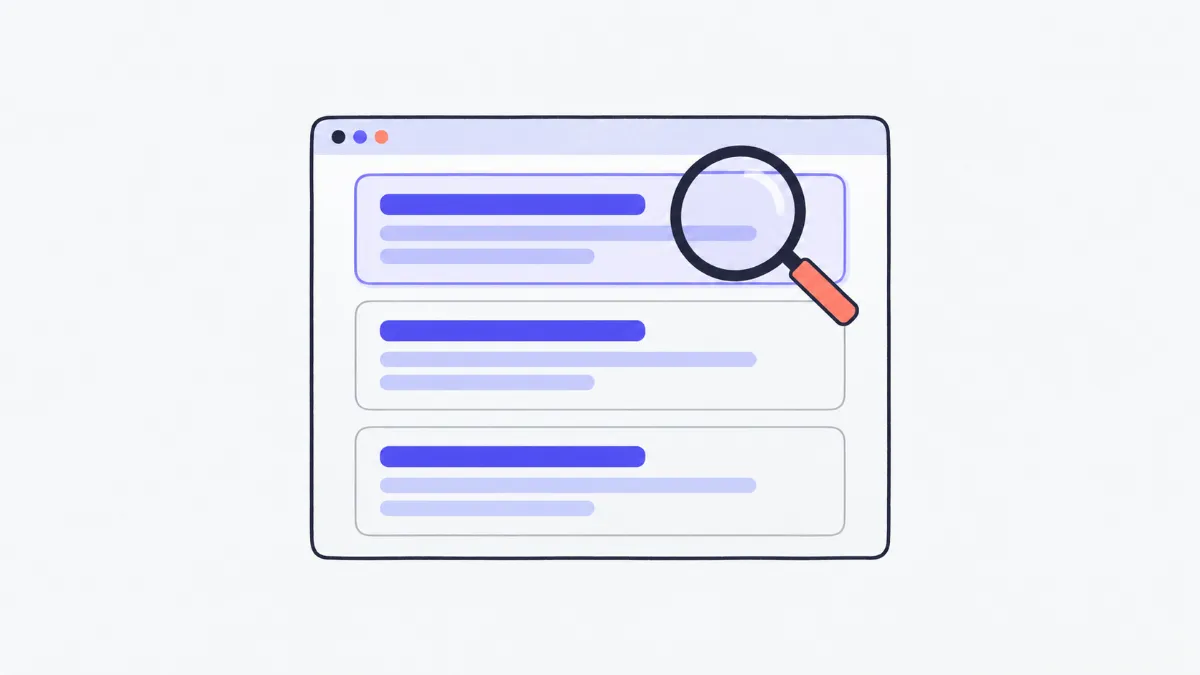
Enter a title, description and URL to see how your result might look on Google, on desktop and mobile, in light or dark mode. The tool measures text width in pixels (an estimate), truncates with “…” where Google is likely to cut, counts keyword occurrences, bolds the keyword the way Google does and suggests fixes.
Why do titles get cut off on Google?
Google doesn't cut titles at a fixed number of characters but at a display width: an “m” or “W” takes several times the space of an “i” or “l”, so two 60-character titles can behave differently, one fitting and one truncated. The tool measures each character in Arial (the font Google uses for results) to estimate where the cut will fall. It's an estimate: Google publishes no limits, changes its layout and sometimes rewrites titles and descriptions.
How to preview your Google result
- 1
Enter the title (the <title> tag text), the description (meta description) and the page URL.
- 2
Enter the keyword people search for to see it bolded and counted.
- 3
Switch between “Desktop” / “Mobile” and “Light” / “Dark” to check each case.
- 4
Check the pixel meters and tips below, and edit until nothing important is cut off.
Cut-off widths used for the estimate
| Part | Desktop | Mobile | Notes |
|---|---|---|---|
| Title | About 600 px, Arial 20 px | About 600 px, Arial 18 px | Usually around 50–60 Latin characters |
| Description | About 920 px, Arial 14 px | About 680 px, Arial 14 px | Usually about two lines on desktop |
Swipe sideways to see the whole table →
These pixel widths are common measurements used by SEO tools, not figures published by Google. Google says titles and descriptions have no length limit and are truncated “as needed, typically to fit the device width”.
Where Google takes the title and description from
| Shown as | Main source | When Google uses something else |
|---|---|---|
| Title link | The page's <title> element | If the title is very long, keyword-stuffed, duplicated across pages or doesn't match the content: Google may use headings, og:title or the anchor text of links to the page |
| Snippet | The meta description | If another passage matches the query better, or the page has no meta description |
| URL line | The page address | Google shows the site name and a breadcrumb-style path (› folder › page) |
Examples
A title that loses the brand
“The Complete Guide to Choosing an Air Purifier for Your Bedroom and Living Room | ABC Appliances” runs past about 600 px, so “| ABC Appliances” becomes “…”. Shorten it to “How to Choose a Bedroom Air Purifier | ABC Appliances”.
Capitals take more room
An ALL-CAPS title is much wider than the same words in normal case; the tool shows the capitalised version being cut even with the same character count.
Long descriptions on mobile
A 155-character description may fit two lines on desktop but be cut sooner on mobile; put the main benefit and call to action in the first half.
Common problems
- Exactly 60 characters, but still truncated.
- Google truncates by width, not character count. Wide letters (m, w, capitals) take more space; watch the pixel meter instead of counting characters.
- Google shows a different title from the title tag.
- Google generates its own title when the title tag is too long, generic or stuffed with keywords. Write short, page-specific titles that match the main heading.
- Stuffing keywords into the title and description.
- Repeating the keyword makes the result less appealing and can count as keyword stuffing. Once in the title and once naturally in the description is plenty.
- Every page shares the same description.
- Duplicate descriptions get ignored and Google picks its own snippet. Give each page a description that matches what's on it.
Where the estimate can differ
Real results also depend on things the tool can't know in advance: screen size, browser zoom, the site name and favicon Google shows, and dates or star ratings that eat into the description. Google also changes its layout over time.
So treat the meter as a safe zone: put the most important part (main keyword, benefit, brand) first, so that if anything is cut, it's only the extras.
Tips for titles and descriptions
Google Search Central's guidance is that a good title is unique to the page, clear, concise and accurately describes the content, and a good meta description is short, unique to the page and covers its most relevant points.
- Put the main keyword near the start of the title.
- Put the brand at the end, separated by “|” or “-”.
- Make the description say what the reader gets: information, benefits, price, time.
- Avoid ALL CAPS and repeated keywords.
Glossary
- SERP
- Search engine results page.
- Title link
- The clickable headline of each Google result.
- Snippet
- The short description under the title, usually taken from the meta description or the page content.
- Meta description
- A tag in the page <head> summarising the page; it isn't shown on the page but is often used as the snippet.
- Pixel width
- How wide text is on screen, measured in pixels; it depends on the font and size.
Frequently asked questions
How many characters should a title be?
Google sets no character limit; titles are cut when they exceed the display width, often around 50–60 Latin characters. The pixel meter is more accurate than counting characters.
Does the description affect rankings?
The meta description mainly affects whether people click. Google may use it as the snippet, but it can also pick a different passage from the page.
Why is it labelled an estimate?
Google doesn't publish its cut-off points, and real results vary by device and layout. The tool measures in Arial like Google to get close.
Do accented characters take more space?
Accents don't make letters wider, but different languages have different word lengths, so how many characters fit varies; the tool measures exactly what you type.
Why is the keyword in bold?
Google bolds words in the snippet that match the search. The tool imitates that so you can see whether the keyword stands out.
Is my data sent anywhere?
No. All measuring happens in your browser.
Ratings and comments
Loading…