

Quick answer
Your public IP address is shown in the box at the top: it is the address every website sees when you visit, assigned by your internet provider to your connection, not the internal address of your device (like 192.168.x.x). Click “Copy IP” to send it to a technician or add it to an allow list.
What is an IP address?
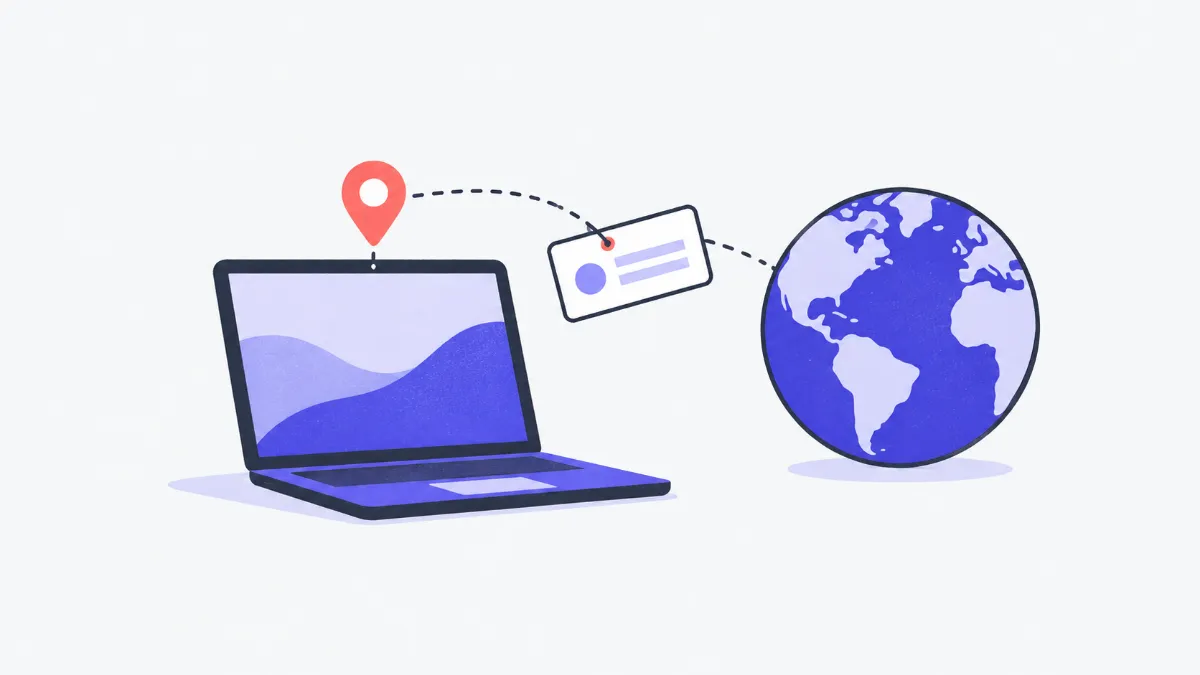
This tool shows the IP address the server sees when your browser connects, whether it is IPv4 or IPv6 and public or private, together with your browser, operating system, language, time zone and screen resolution. The IP address is not stored, no third-party service is called and no geolocation lookup is made.
How to check your IP
- 1
Open the page: your IP address appears right away in the large box at the top, labelled IPv4 / IPv6 and public / private.
- 2
Click “Copy IP” to paste it into a message, a sign-up form or a firewall rule.
- 3
Turn a VPN on or off, or switch between Wi-Fi and mobile data, then press “Check again” to see the address change.
- 4
Use “Your browser details” when reporting a problem to a support team (browser, operating system, screen size).
Public versus private IP addresses
| Public IP | Private IP | |
|---|---|---|
| Examples | 113.161.x.x, 2402:800:… | 192.168.1.10, 10.0.0.5 |
| Assigned by | Your internet provider | Your home or office router |
| Visible to | Every website and service you use | Only devices on the same network |
| Where to find it | This page | Your device's Wi-Fi settings, or ipconfig / ifconfig |
IPv4 versus IPv6
| IPv4 | IPv6 | |
|---|---|---|
| Format | Four numbers 0–255 separated by dots: 203.113.1.25 | Eight hexadecimal groups separated by colons: 2402:800:6e3a::1 |
| Size | 32 bits (about 4.3 billion addresses) | 128 bits (practically unlimited) |
| In practice | Still everywhere; many customers share one address (CGNAT) | Rolled out by most large providers on fibre and mobile |
When you have both, browsers usually prefer IPv6; this page shows the address of the connection actually used.
When do you need your IP?
Allowing access to a server or camera
Your IT person needs the office's public IP to add it to a server, firewall or attendance system allow list.
Checking that a VPN works
Note your IP without the VPN, switch the VPN on and press “Check again”: the address should change to the VPN server's.
Reporting a website problem
Send a screenshot of your IP and browser details with the report so support can find the logs and know which browser you use.
Flaky home connection
Restart the modem and check again: many home plans get a dynamic IP that changes on every reconnect.
Common misunderstandings
- The IP here differs from the one in my Wi-Fi settings.
- That's expected: Wi-Fi settings show the private address your router assigned (192.168.x.x), while this page shows the public address the internet sees.
- Every device at home has the same IP.
- Correct: all devices behind one router share one public IP (NAT), and some providers share one IP between many customers (CGNAT).
- Thinking an IP reveals your exact address.
- An IP only points to the provider and a rough area; only the provider knows which customer had it. This page does not look up locations.
- “Couldn't get your IP address”.
- The server is briefly unavailable or the request was blocked; try again in a few minutes, or pause an ad blocker that blocks requests to /api/.
How the tool finds your IP
Your browser sends a tiny request to the congcunhanh.com server, which reads the source address of that connection and returns it. Headers such as X-Forwarded-For are ignored (anyone can set them), no external IP service is called and the address is not written to any database.
Browser, operating system, time zone and screen details are read on your device with JavaScript and only displayed to you.
Glossary
- IP address
- A number identifying a device or connection on the internet, so data knows where to go.
- Dynamic vs static IP
- A dynamic IP can change each time you reconnect (common on home plans); a static IP stays the same and usually costs extra.
- NAT, CGNAT
- Techniques that let many devices (NAT) or many customers (CGNAT) share one public IP address.
- VPN
- A virtual private network routes your traffic through a VPN server, so websites see that server's IP instead of yours.
Frequently asked questions
Is my IP address stored?
Not by this tool. Like any website, the web server keeps short-lived technical logs for operations and security; see the privacy policy.
Why doesn't it show my location?
Location guessed from an IP is often far off and requires sending your IP to a third-party service, which this tool deliberately avoids.
How can I change my IP?
Restart your modem (for a dynamic IP), switch between Wi-Fi and mobile data, or use a VPN. A static IP can only be changed by your provider.
Why do I see IPv6 instead of IPv4?
Your connection supports IPv6 and your browser prefers it. That's normal, and most websites accept both.
What is a private IP and where do I find it?
It is the address your router gives your device on the home network (usually 192.168.x.x). See your phone's Wi-Fi settings, or run ipconfig (Windows) or ifconfig / ip a (macOS, Linux).
Can I find the IP of a domain?
Yes, use the DNS Lookup tool (A and AAAA records) to see which IP a domain points to.
Ratings and comments
Loading…