

Quick answer
Press “Start test”: the tool measures latency (ping) and its variation (jitter) with 10 requests, then downloads for about 8 seconds and uploads for about 6 seconds over several parallel connections to give your speed in Mbps. The test server is in Vietnam, so results reflect what you get with local websites and services.
How is internet speed measured?
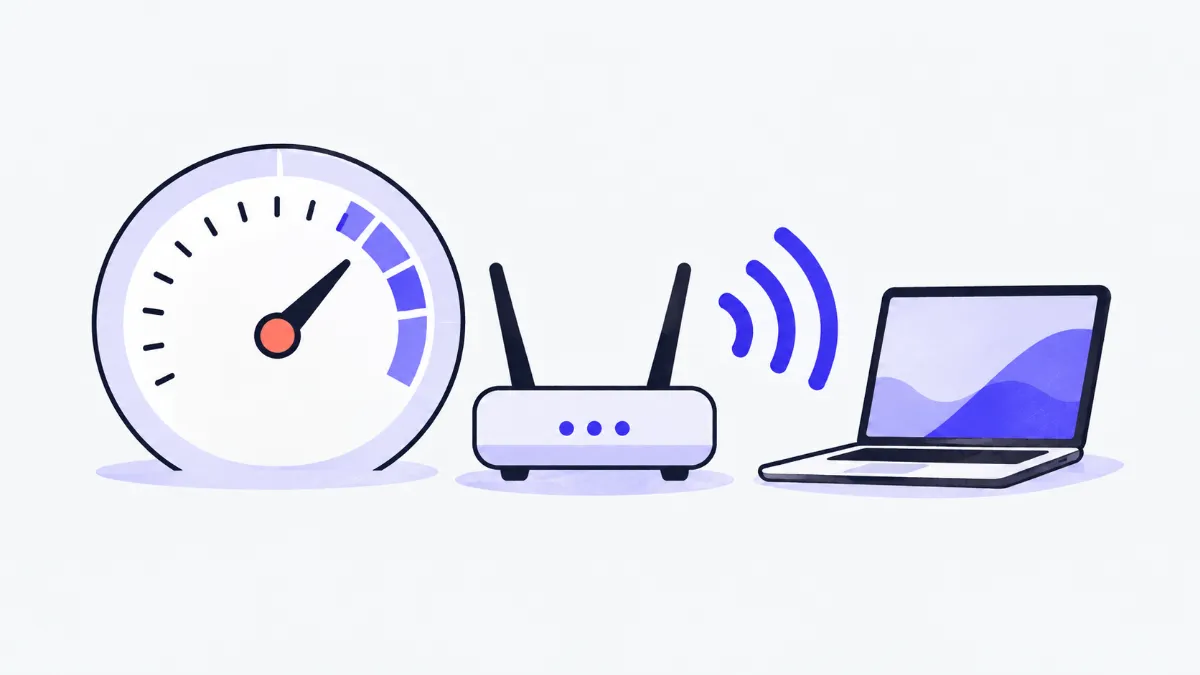
When the internet feels slow, first find out where: high ping makes games lag and calls fall out of sync, low download speed makes videos buffer, and low upload speed makes sending photos or streaming painful. This test measures all four numbers in about 20 seconds, with no app to install, a live gauge and plain advice on reading the results.
How to get an accurate speed test
- 1
Pause downloads, streaming and updates on other devices on the same network so they do not share the bandwidth.
- 2
If you can, plug in a network cable or sit close to the Wi-Fi router to see the real speed of the line.
- 3
Press “Start test” and wait about 20 seconds: ping, download and upload appear on the gauge in turn.
- 4
Read the four results and the comment. Test 2–3 more times at different times of day for a stable figure.
- 5
Use “Copy result” to send the numbers to your provider when reporting a problem.
How much speed different activities need
| Activity | Suggested download | Suggested ping |
|---|---|---|
| Messaging, reading news | 1–5 Mbps | under 150 ms |
| HD video (1080p) | 5–10 Mbps | not important |
| 4K video | 15–25 Mbps | not important |
| Video calls (Zoom, Meet, Teams) | 3–5 Mbps per person, 3 Mbps upload | under 100 ms |
| Online gaming | 10 Mbps | under 50 ms, low jitter |
| A household with 4–5 devices | 100 Mbps or more | under 50 ms |
Typical guidance from video and meeting services; real needs depend on the quality you choose.
Reading the results
| Measure | Meaning | Good when |
|---|---|---|
| Ping | Time for a packet to reach the server and come back | Under 30 ms (same country) |
| Jitter | How much ping jumps around | Under 10 ms |
| Download | How fast you receive data: video, downloads, web pages | Close to your plan speed |
| Upload | How fast you send data: photos, streaming, video calls | 10 Mbps or more for remote work |
Examples
Wi-Fi far from the router
18 Mbps and 45 ms ping in the bedroom, 160 Mbps and 8 ms next to the router. The line is fine; weak Wi-Fi is the problem, so move the router or add a mesh extender.
Peak hours
300 Mbps in the morning but 60 Mbps at 9 pm, with ping rising from 6 to 40 ms: the network is congested at peak time. Note results over a few days and report them to your provider.
Lag despite high speed
200 Mbps download but 35 ms jitter: unstable ping makes games stutter. Try a cable and stop heavy downloads on other devices.
Common testing mistakes
- A 300 Mbps plan only shows 80 Mbps on a phone.
- Wi-Fi, the phone's Wi-Fi standard and distance reduce speed. Test a computer on a cable to check the line itself.
- Testing while other devices download or update.
- The bandwidth is shared; pause those tasks and test again.
- Comparing results from different speed-test sites.
- Each site tests to a different server (local or abroad), so numbers differ. Compare tests on the same site.
- Confusing Mbps with MB/s.
- 1 byte = 8 bits: 100 Mbps downloads about 12.5 MB per second.
- Drawing conclusions from one test.
- Speed changes through the day; test several times.
How the test works
Ping: the browser calls the server 11 times in a row, ignores the first (it includes opening the connection) and takes the median of the other 10; jitter is the average difference between consecutive pings.
Download: 4 parallel connections fetch random (incompressible) data for about 8 seconds, each request growing from 1 MB to 8 MB. The first second is ignored while connections ramp up. Upload works the same way with 3 connections for about 6 seconds.
A test uses up to about 70 MB of data, so keep an eye on your allowance on 4G / 5G.
Why there is a limit of 6 tests an hour
Every test moves tens of megabytes through the website's server. To keep the site fast for everyone, each person can run up to 6 tests an hour. The server does not store your results or IP address; the rate-limit counter clears itself after an hour.
How this differs from your plan speed
The speed in your contract is the maximum to your provider's network. This tool measures the real speed from your device to the congcunhanh.com server in Vietnam, through Wi-Fi, your router, the line and intermediate networks. The test server also has its own bandwidth limit, so on very fast plans (several hundred Mbps) the result may be lower than the line can actually do.
Glossary
- Mbps
- Megabits per second, the unit of network speed. 8 Mbps ≈ 1 MB per second.
- Ping (latency)
- Round-trip time of a packet to the server, in milliseconds (ms).
- Jitter
- Variation in ping. High jitter makes calls and games stutter even on fast connections.
- Bandwidth
- The most data a connection can move per second, shared by every device using it.
Frequently asked questions
Does a speed test use my mobile data?
Yes, up to about 70 MB per test (mostly download). If your plan has a data cap, do not run it too often.
Why is upload so much lower than download?
Many home and mobile plans offer less upload than download. Fibre is usually more balanced.
What ping is good for gaming?
Under 50 ms is fine and under 20 ms is very good for servers in the same country. Jitter under 10 ms matters just as much.
Are my results stored?
No. Results only appear in your browser; the server keeps neither the results nor your IP address.
Why does it say I have tested more than 6 times?
To save server bandwidth each person can test 6 times an hour. Wait the few minutes shown and try again.
Why do my phone and laptop give different results?
Wi-Fi antennas, Wi-Fi standards (Wi-Fi 5, Wi-Fi 6), where you stand and the browser all matter. A device on a cable usually gives the highest and steadiest result.
Ratings and comments
Loading…