

Quick answer
Type your list on the right (one name or prize per line) and press Spin or the Space bar: the wheel slows down over about six seconds and stops on the winner. The result is drawn first with the browser's crypto.getRandomValues, and every entry's chance equals the width of its slice, so ten names means 10% each. Write “Gift card, 5” to give an entry five parts, and turn on remove-the-winner for multiple prizes.
Key points
- The winner is drawn first with crypto.getRandomValues and only then does the wheel spin to that slice, so the animation never decides anything.
- Up to 200 entries, pasted straight from a spreadsheet; a count after an entry (“Teddy bear, 6”) is its weight and widens its slice.
- Remove the winner before the next spin, a history of every spin, shuffle and duplicate removal.
- Full-screen presentation mode for events and classrooms, Space / Enter to spin, ticking sound with a mute button.
- Your list is saved on your device and in the share link (after the #), never on our server.
What is an online spin-the-wheel tool?
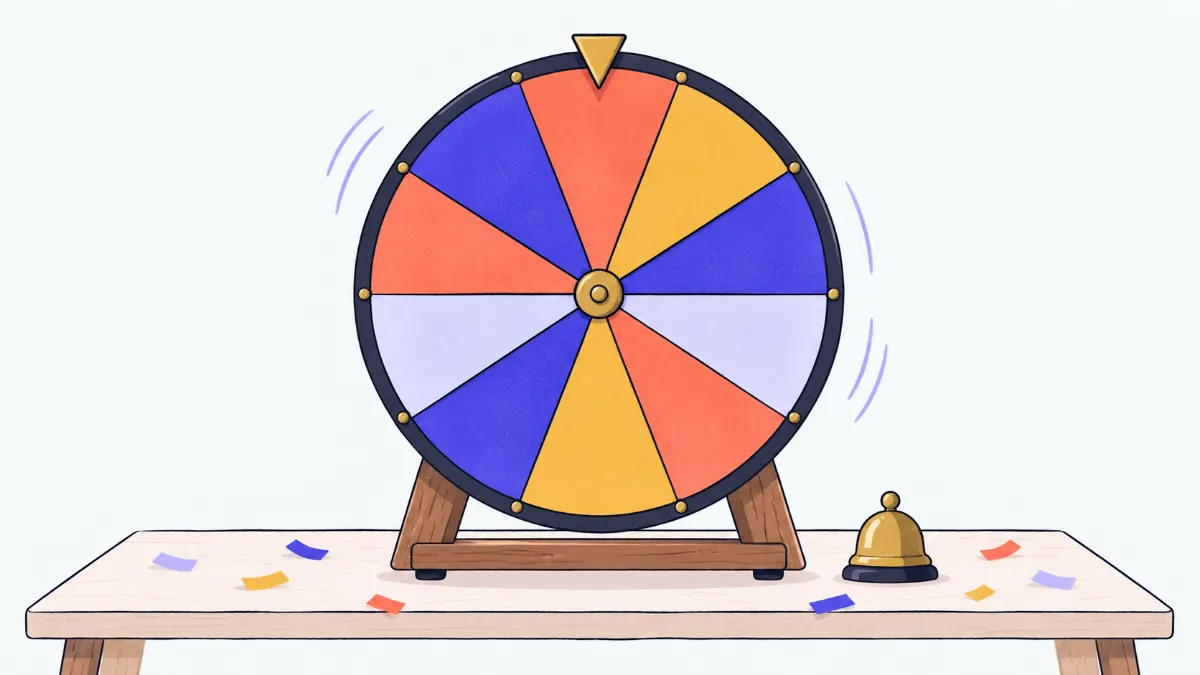
Folded paper slips invite whispers that someone peeked, and a spreadsheet RAND() has zero suspense. A spinning wheel gives you both fairness and drama: everyone watches the pointer tick past each slice and slow to a stop, while the outcome comes from the browser's secure random number generator. Use it for raffles at a party, calling on students, picking who does the dishes, livestream giveaways or any decision you'd rather leave to chance.
How to use the wheel
- 1
Type or paste entries into the list, one per line: names, prizes, questions. A column pasted from Excel or Google Sheets works, and so does a single line of names separated by commas.
- 2
To make an entry more likely, add a count after it, such as “Gift card, 6”, or put the number in a second spreadsheet column. That slice becomes six times wider and six times as likely as an entry with a count of 1.
- 3
Pick your options: remove duplicates, read counts as weights, remove the winner before the next spin. Give the wheel a title if you'll present it; it appears at the top of the screen.
- 4
Press Spin, click the wheel or press Space / Enter. The pointer ticks for five to seven seconds and the result box shows the winner and its chance.
- 5
For several prizes, press “Remove from wheel” after each spin (or turn on automatic removal) and spin again. The history records every spin with the time. Use the present button for a projector, or copy the wheel link to share this exact wheel.
Weights and chances: the sample prize list
An entry's chance is its count divided by the total count of the wheel. The “Sample prizes” list adds up to 30 parts:
| Prize | Count | Chance per spin | On average, once every |
|---|---|---|---|
| Grand prize | 1 | 1/30 ≈ 3.3% | 30 spins |
| First prize | 2 | 2/30 ≈ 6.7% | 15 spins |
| Second prize | 3 | 3/30 = 10% | 10 spins |
| Third prize | 4 | 4/30 ≈ 13.3% | 7–8 spins |
| Gift card | 6 | 6/30 = 20% | 5 spins |
| Teddy bear | 6 | 6/30 = 20% | 5 spins |
| Better luck next time | 8 | 8/30 ≈ 26.7% | about 4 spins |
Swipe sideways to see the whole table →
“On average” is not a promise: the grand prize can come up on the first spin or not in 60. Each spin is independent unless you remove winners.
Examples
Office party, 80 people, 5 prizes
Paste the name column from the staff sheet, turn on remove-the-winner, title it “Year-end draw” and open presentation mode. Each spin lands on one person who then leaves the wheel, so five spins give five different winners, and the history keeps the order for the prize ceremony.
Livestream giveaway
Use the sample prizes: one part for the grand prize, six each for gift cards and teddy bears, eight for “Better luck next time”. Viewers can see the grand prize slice is tiny, exactly 3.3% per spin, so nobody can claim it was rigged: the slice width is the chance.
Calling on students
Paste a class of 30 once and the wheel remembers it on that device. Turn on removal so nobody is called twice in a lesson; next lesson, paste the full list again to start fresh.
Who does the dishes
Write “Dad, 1”, “Mum, 1”, “Sam, 2”, “Lily, 2” and the kids get double the chance. Everyone sees where the pointer stops, so there's nothing to argue about.
Common mix-ups
- “Room 101, 2” turns into “Room 101” with a count of 2.
- A number after a comma at the end of a line is read as a count. If it's part of the name, turn off “Read a count after each entry” or write “Room 101 - floor 2”.
- A name typed twice only gets one slice.
- “Remove duplicates” is on (case and extra spaces are ignored). Turn it off if you mean to list someone twice, or use a count instead.
- One person won 3 of 10 spins, so the wheel must be biased.
- Spins are independent, so repeats are normal: with 10 names and 10 spins, the chance that at least one person wins three or more times is about 60%, so it happens more often than not. Turn on remove-the-winner if each person should win once at most.
- A wheel of 150 entries shows no text.
- Very thin slices can't fit readable text, so labels are hidden; the winner still appears in full below the wheel. Present mode makes the wheel bigger, or split the list into smaller wheels.
Why the result is fair and can't be rigged
When you press Spin the tool does two things in order. First it draws the result: a random integer from crypto.getRandomValues, the browser's cryptographically secure generator, between 0 and the wheel's total count, then it finds which slice that number falls in. Values that would make the division uneven are thrown away and redrawn (rejection sampling), so no slice gets even a tiny edge.
Only then does it work out where to stop: five to seven full turns plus a random point between 12% and 88% of the winning slice, never right on a divider. The slow-down is pure presentation; there is no physics, friction or click speed involved. The slice under the pointer and the result shown are always the same.
There is no hidden setting to pre-select a winner. The only thing that changes the odds is the count after an entry, and it is visible to everyone as the slice width and as the “Chance” line under the result. Everything runs in your browser; our server never sees the list or the outcome. The tool's automated tests spin tens of thousands of times to check the distribution: eight equal entries each come up close to 12.5%, and counts of 1 : 3 : 6 come up 10%, 30% and 60%.
Presentation mode
The present button fills the window with the wheel, a large result and the last few spins. On a computer a Full screen button hides the browser too. Press Space or Enter anywhere to spin, which works with a presentation clicker, and Esc to close. The tick on every divider and the chime at the end are generated with Web Audio at a low volume, and the speaker button mutes them. If your device has “Reduce motion” turned on, the wheel jumps straight to the winner instead of spinning.
Saving and sharing
Your latest list and options are kept in your browser's local storage on this device. “Copy wheel link” compresses the list, title and options into the part of the address after the #, which browsers never send to the server. Anyone with the link sees the same wheel, so keep personal details out. Links over 2,000 characters get a warning because chat apps may cut them; beyond 16,000 characters no link is made.
Glossary
- crypto.getRandomValues
- The browser's built-in secure random number generator.
- Weight (count)
- How many parts of the wheel an entry takes; its chance is weight divided by total weight.
- Rejection sampling
- Redrawing values that would skew the result so every outcome is equally likely.
- Independent spins
- One spin's result doesn't affect the next, unless winners are removed.
Frequently asked questions
Is the wheel truly random?
Yes. The result is drawn with crypto.getRandomValues before the wheel moves, and each entry's chance equals its slice width. The animation just travels to the slice that was drawn.
Can the host secretly choose the winner?
No. There is no feature to pick a result in advance. The only way to change the odds is a count after an entry, which shows up as a wider slice and a percentage under the result.
How many entries can a wheel hold?
Up to 200 entries of up to 80 characters each, with counts up to 1,000. Extra lines are dropped and reported under the list.
How do I stop someone winning twice?
Turn on “Remove the winner before the next spin”, or press “Remove from wheel” under the result. The entry leaves the list before the next spin.
Can I spin with the keyboard?
Yes. Click the wheel and press Space or Enter; in presentation mode the keys work anywhere, so a clicker works too.
How do I turn the sound off?
Press the speaker button next to Spin or at the top of presentation mode. Your choice is remembered on this device.
Will I lose my list if I reload?
No. Your latest list is stored in your browser on this device. To use it on another device, copy the wheel link and open it there.
How is this different from the Random Picker?
The Random Picker draws numbers or names instantly, which suits long lists and ticket numbers. The wheel adds the spin, sound, weights and a presentation mode for drawing in front of an audience.
Ratings and comments
Loading…